
The app or a screen won’t load
Quick fixes for blank screens, endless loading and crashes.
Try these in order
- Check your connection: switch between Wi-Fi and mobile data.
- Close the app fully and open it again.
- Update the app. See Keep WorldSchool up to date.
- Try app.worldschool.org in a browser to see if the problem is only on your phone.
- Restart your phone.
On the web
Reload the page. If it still fails, try a private window, or clear the site's data for app.worldschool.org.
Still happening?
In the app, open More › Help & feedback › Something isn't working and attach up to 3 screenshots; your device details are sent automatically. Or submit a request here.
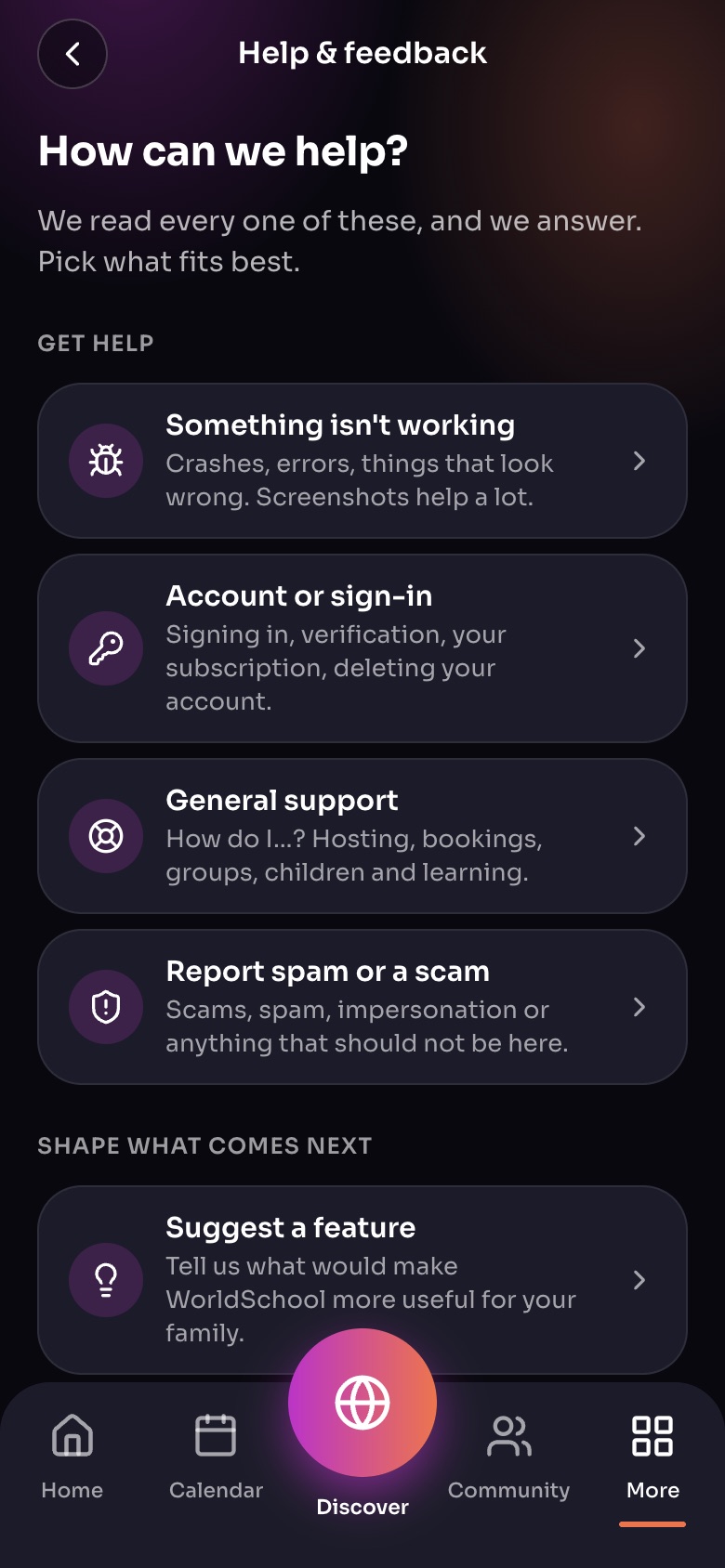
Help & feedback (More, then Help & feedback)
- Something isn't workingCrashes and errors. Add screenshots.
- Account or sign-in
- Report spam or a scam
- Suggest a feature
Sample family shown. Your screen shows your own name, Experiences and groups.
Did this answer your question?
Still need help?
Send the team a request and a person will answer, usually within two working days.