
Report a person, Experience, review or post
Report anything that breaks our community rules so our team can act.
Report it
- Open the profile, Experience, review, post or comment.
- Open its menu and choose Report.
- Pick a reason: Inappropriate Content, Spam, Harassment, Safety Concern, Misinformation, or Other.
- Add details and send.
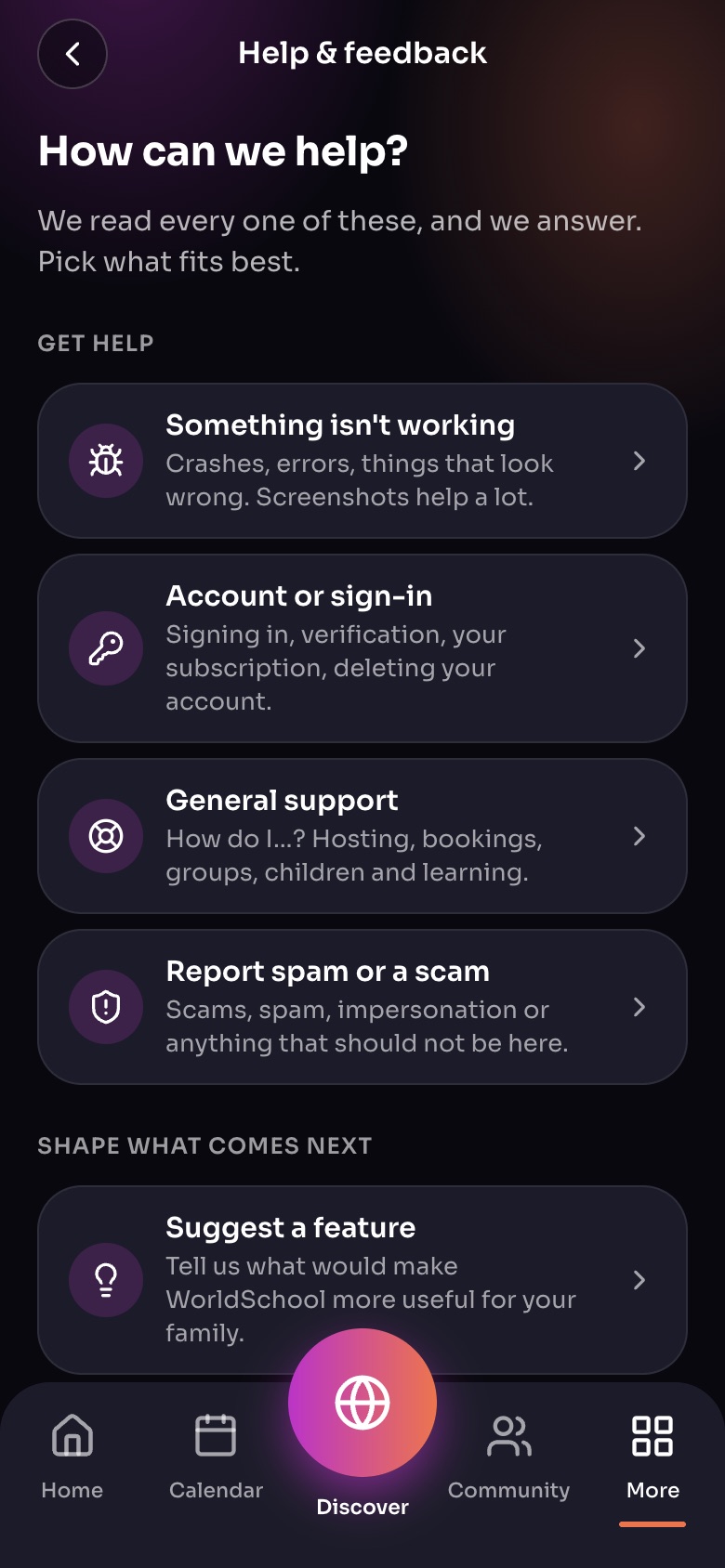
Help & feedback (More, then Help & feedback)
- Something isn't workingCrashes and errors. Add screenshots.
- Account or sign-in
- Report spam or a scam
- Suggest a feature
Sample family shown. Your screen shows your own name, Experiences and groups.
Our team reviews every report and acts on it, which can include removing content or closing an account.
Report a scam or something else
Use More › Help & feedback › Report spam or a scam, or submit a safety request.
Important: If anyone is in immediate danger, call 911 (or your local emergency number) first.
Did this answer your question?
Still need help?
Send the team a request and a person will answer, usually within two working days.