
Save your payment options once
Keep your Venmo, Zelle, PayPal, Cash App, Zeffy, Omella and other details in Settings so every new Experience starts with them.
Save them
- On iPhone, open More › Settings › Payment Options. On the web, open Settings › Payment options › Change.
- Add your handle or link for each method you use.
- Save. New Experiences start with these methods; change them per Experience any time.
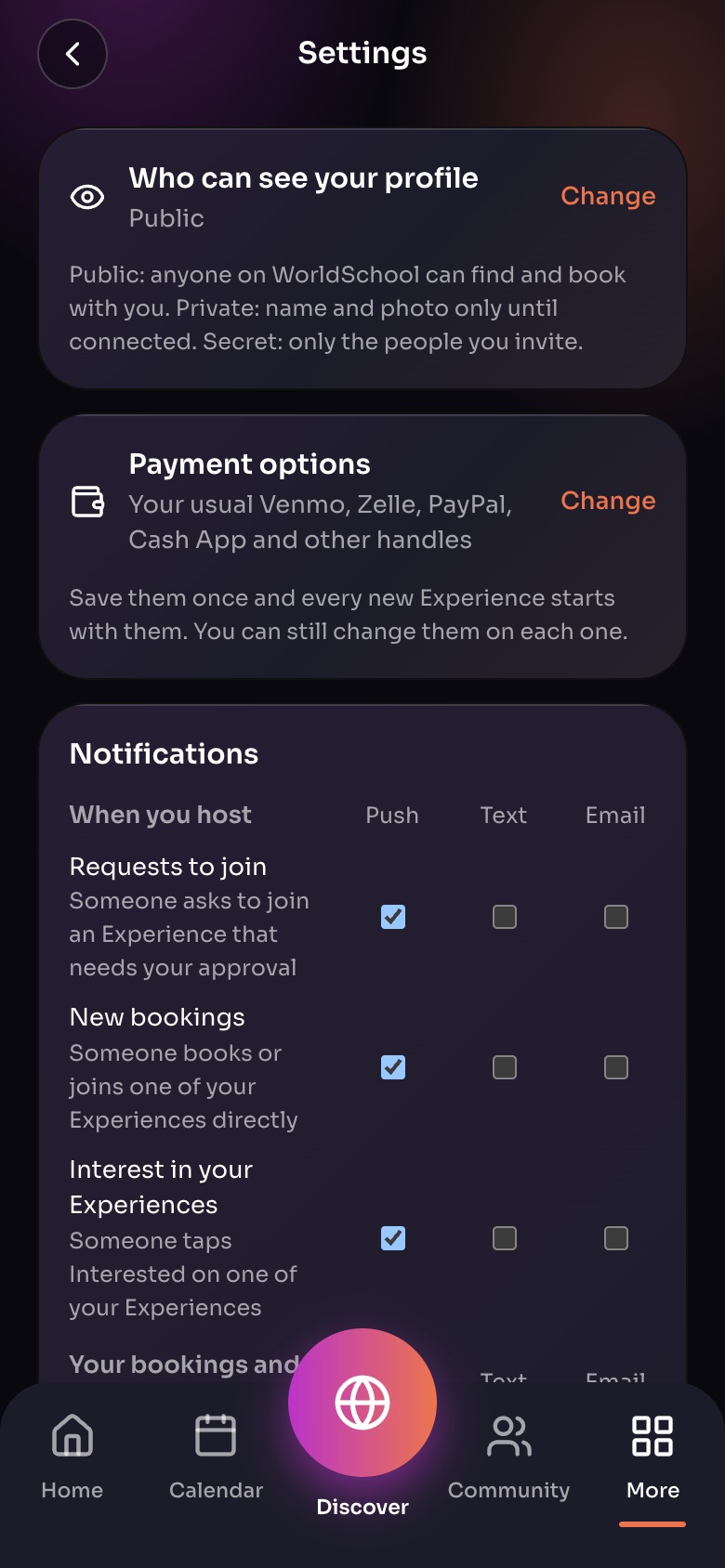
Settings (More, then Settings)
- Who can see your profilePublic, Private or Secret. Tap Change.
- Payment optionsYour Venmo, Zelle, PayPal and other handles, saved once.
- NotificationsPush, text or email for each kind of message.
Sample family shown. Your screen shows your own name, Experiences and groups.
Connect Zeffy
Tap Connect your Zeffy account and Zeffy bookings are marked paid automatically when families pay.
Note: Changing your saved options does not change Experiences you already published.
Did this answer your question?
Still need help?
Send the team a request and a person will answer, usually within two working days.