
Bring your programs in from your website or flyers
Let AI turn your website, flyers or a description into ready-to-edit Experience drafts.
Already run programs? You do not need to type each one in.
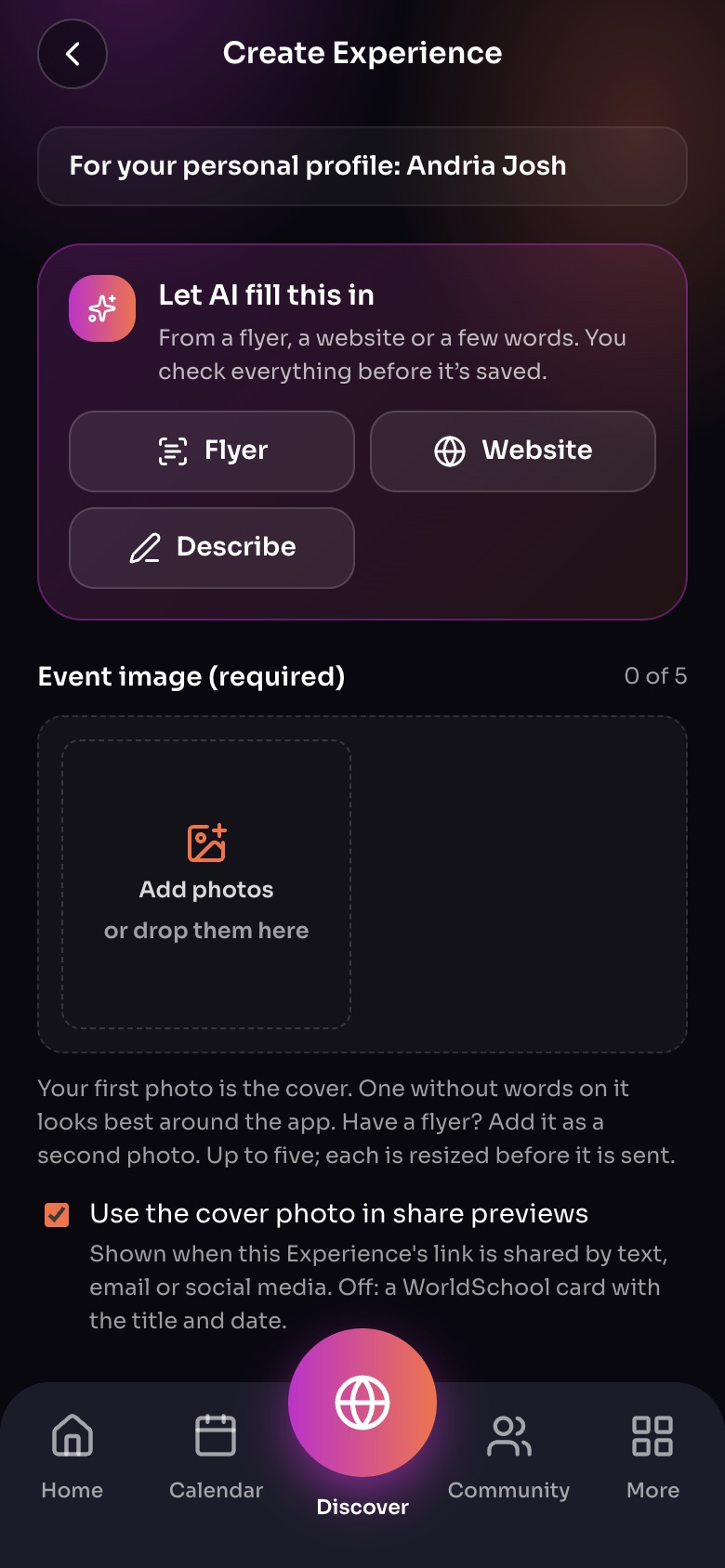
Create Experience
- Who it is forYour own profile, or a group you lead.
- Let AI fill this inStart from a flyer, a website or a few words; you check everything.
- PhotosUp to five; the first is the cover.
Sample family shown. Your screen shows your own name, Experiences and groups.
From one Experience
In Create Experience, tap Let AI fill this in and choose:
- Fill from a flyer: up to 4 photos or a PDF.
- Fill from a website: paste the page's address.
- Describe it: a few sentences in your own words.
Your whole program
Bring your programs reads your site or flyers and creates a draft for each program, plus your profile or group details. Every result is saved as a draft for you to check.
Important: AI can misread dates, prices and ages. Check every draft before you publish it.
Did this answer your question?
Still need help?
Send the team a request and a person will answer, usually within two working days.