
Owners, co-owners, admins and members
Who can do what in a group, and how to add co-owners and admins to help run it.
Roles
- Owner: created the group and controls everything, including deleting it.
- Co-owner: helps run the group with nearly the same powers.
- Admin: approves members, manages posts and runs group Experiences.
- Member: takes part, posts and invites if the group allows it.
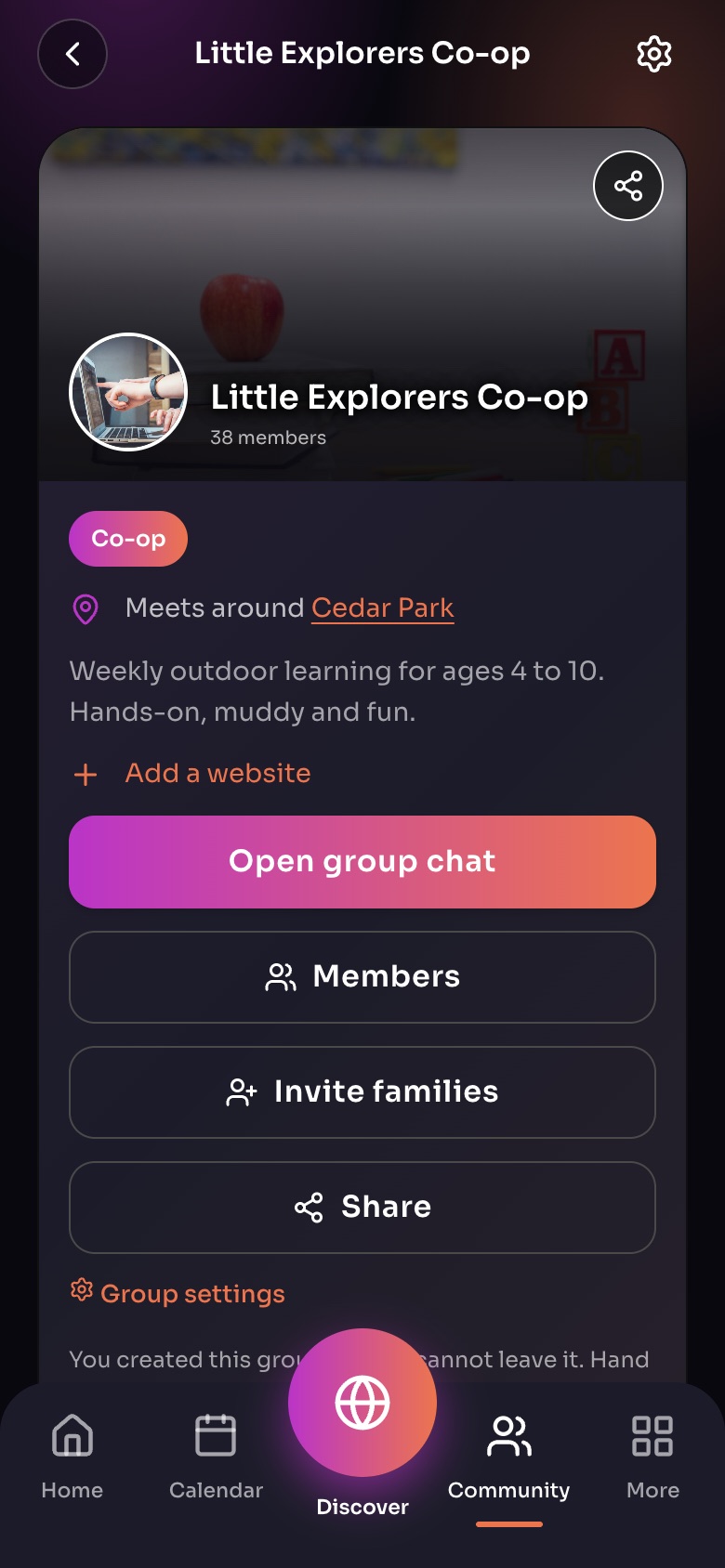
A group page, as its leader sees it
- Open group chat
- MembersEveryone in the group, and their roles.
- Invite families
- Group settingsLeaders only: privacy, roles, payout account and more.
Sample family shown. Your screen shows your own name, Experiences and groups.
On the group page, the Leaders section shows who runs the group, and group Experiences show them as "Group leaders".
Promote someone
Open Members, choose the person, and tap Make co-owner or Make admin.
Note: The owner cannot leave the group, only delete it. Make someone else co-owner first if you want to step back.
Did this answer your question?
Still need help?
Send the team a request and a person will answer, usually within two working days.